
Browser version
Keep Chrome, Safari or Firefox updated to a recent release. Older browser versions may block the live dealer stream or prevent the game canvas from rendering.
The bet98 mobile experience runs in your browser on any Android or iOS device, so you can reach live tables, slots and cricket markets without waiting for a download.
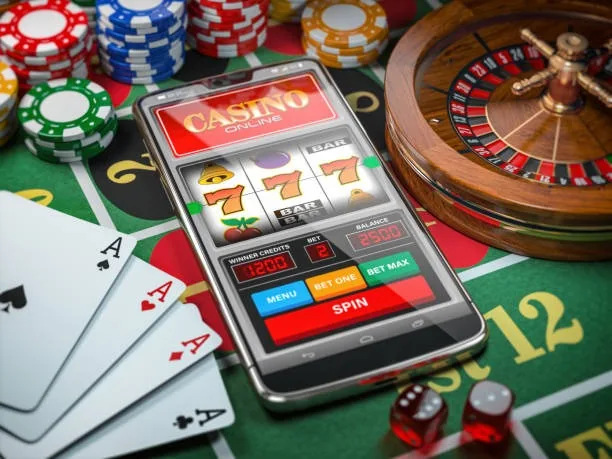
Most modern smartphones and tablets reach the full lobby without any adjustment. The checklist below covers the areas most likely to affect your session quality.
Keep Chrome, Safari or Firefox updated to a recent release. Older browser versions may block the live dealer stream or prevent the game canvas from rendering.
The lobby layout adapts to screens from 4.5 inches upward. Tablet users get a wider card grid; phone users get a single-column scroll that works well in portrait mode.

A verified account is needed to access real-money tables and place bets. Verification is completed inside your account settings before you deposit or withdraw.
Open Crash Zap or Baccarat Expresslane from your phone and the layout adjusts automatically — portrait for quick rounds, landscape for the live dealer feed. Push notifications let you know when a new cricket market goes live, so you never miss a PSL line you were watching. Quick deposit links are a single tap from the lobby screen, connecting directly to your
wallet flow. If a native app build is published, fingerprint login becomes available as a faster alternative to entering your password every session. Players in Karachi running this through Chrome or Safari will notice the lobby preview loads without a full page refresh.
The mobile interface is built around speed and low friction. Here is what you actually notice when you switch from desktop to phone.
Where a native build is available, fingerprint or face unlock replaces your password. Your account opens in under two seconds without typing anything.
Opt in to get alerts when cricket markets — including PSL matches — go live or when a slot feature round is triggered in your active game session.
The interface respects your device's display setting. Dark mode cuts screen glare during late-night sessions without you having to change anything manually.
Game tiles and table categories cache locally so you can browse the lobby even on a weak connection, then load the game when signal improves.
Getting into the lobby from your phone takes less than a minute. First, open bet98 in your mobile browser — Chrome on Android and Safari on iOS both work without any extra settings. Second, check the footer or account section to see whether a dedicated app download is currently offered for your device and region; if it is, the download link will
appear there. Third, sign in with your existing account credentials or create a new account through the same browser session. Your account wallet, game history and any active promotions carry across from desktop automatically — nothing resets when you switch devices.
Straightforward answers to what people actually ask about accessing bet98 on mobile.
Service availability depends on eligible regions and local law. Users should check local rules before opening an account.
Access may be available only where local law permits.